WAV vs MP3: Which Format to Upload, Keep, and Share After Noise Cleanup
Oct 2, 2026·Updated Oct 2, 2026·SimpleClean Team
The short answer
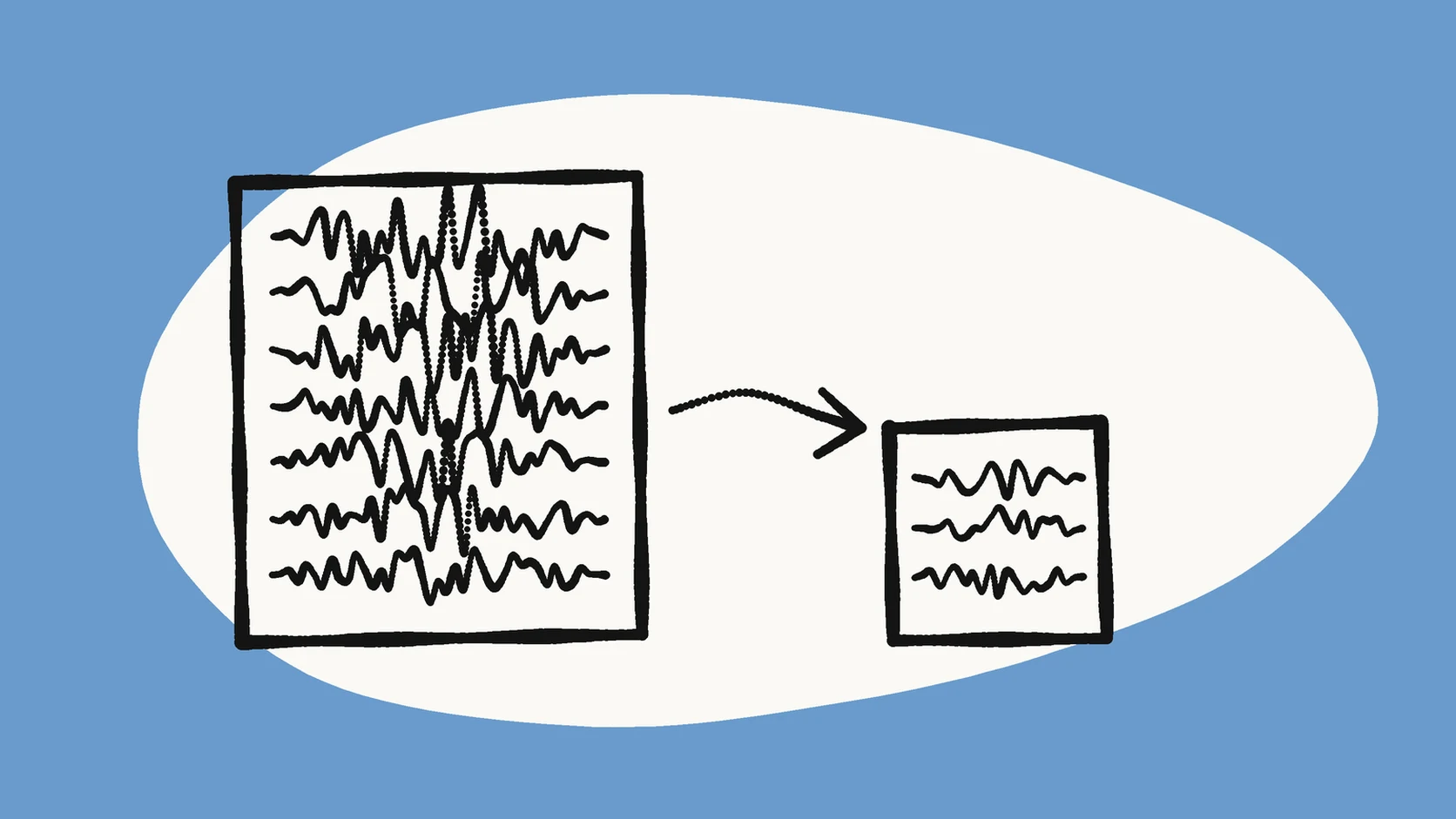
Use WAV as the original you keep and MP3 as the copy you share. Upload whichever original you have to SimpleClean, compare Original and Cleaned playback, and download the cleaned MP3 only if the voice still sounds natural. Keep the source file, because MP3 is a lossy delivery format and cleaning does not turn it into a master.
If the recording has steady hiss, hum, fan noise, or room tone, Clean an audio file at SimpleClean and compare Original with Cleaned playback before downloading.
The short answer on WAV and MP3
WAV and MP3 do different jobs. A WAV file is usually the full-quality copy you keep. An MP3 is the small copy you share. Noise cleanup does not change that. It just makes one habit important: keep your original file, and treat the cleaned MP3 as the copy you hand out.
Think of a photo. You keep the big original on your computer, and you send a smaller version in a message. WAV is the big original. MP3 is the smaller version.
This guide covers what each format is, how big the files get, which one to upload, and which one to keep. The facts come from the Library of Congress format descriptions and a simple size formula.
What a WAV file and an MP3 file actually are
The Library of Congress calls WAVE a wrapper format. That means it is a container. It can hold an audio stream plus other data. A common stream inside it is called LPCM, short for linear pulse code modulation. In plain words, it stores the sound wave as a long list of measurements, with no compression. Archives and studios often use a version called Broadcast WAVE for this reason.
MP3 works differently. The Library of Congress says it uses perceptual coding. That means the encoder drops or simplifies the parts of the sound that people are less likely to hear. Your ear usually does not miss them, but the file gets much smaller. The same source says MP3 is generally used for final, end-user delivery.
How much smaller is an MP3, in numbers
You can work out the size of an uncompressed file with one formula: sample rate × bit depth × channels × time. Here is CD-quality stereo as an example. That is 44,100 samples per second, 16 bits each, in two channels. Multiply them and you get 1,411,200 bits per second. Divide by eight and you get about 176 kilobytes per second. That is roughly 10.6 megabytes for every minute.
Now compare a 128 kbit/s MP3. That is 16 kilobytes per second, or about 1 megabyte per minute. The Library of Congress says the same thing in different words: a 128 kbit/s MP3 is about one eleventh the size of an uncompressed CD-quality file. A higher MP3 bit rate gives a bigger file with more detail, so the gap gets smaller.
What this means before you upload a recording
SimpleClean takes both formats. Audio inputs include MP3, WAV, M4A, AAC, FLAC, OGG, and OPUS. The default limit is one file per run, up to 500 MB and 15 minutes. A WAV is just the bigger upload.
The limit matters most with high-resolution files. Take a 15-minute stereo WAV recorded at 96 kHz and 24 bits. The math is 96,000 × 24 × 2 × 900 seconds. That comes to about 518 million bytes, which is over the 500 MB limit. The same 15 minutes at 44.1 kHz and 16 bits is only about 159 million bytes.
If a file is too big, you have two easy choices. Trim it to the part you need. Or export a copy at a lower sample rate. Either way, keep the full-quality original untouched.
Which format helps a noisy recording
Neither one. Hiss, hum, fan noise, and room tone are already baked into the sound before the file is saved. Turning a noisy MP3 into a WAV does not remove them. Turning a noisy WAV into an MP3 does not either.
A conversion also cannot bring back detail that MP3 already threw away. Say you have a podcast saved as an MP3, and you convert it to WAV. You now have a bigger file. It still sounds like the MP3.
What the format does change is your starting point. If you recorded in WAV, upload that file. It gives the cleanup the most complete copy of your voice. If you only have an MP3, upload it as it is. Converting it first adds nothing.
What this means after cleanup
SimpleClean returns cleaned audio as an MP3, and cleaned video as an MP4. So the cleaned file is a new, smaller copy. It is not an edited WAV. That is fine for sharing, publishing a podcast episode, or sending a voice memo. MP3 is made for that.
It is a poor choice for the only copy you keep. Each time you save a lossy file again, you can lose a little more quality. People call this generation loss. It is the drop in quality between one copy and the next.
So if you plan to edit again, master the audio, or export it for another site, go back to the original. Do not start from the cleaned MP3.
A safe file routine for cleanup
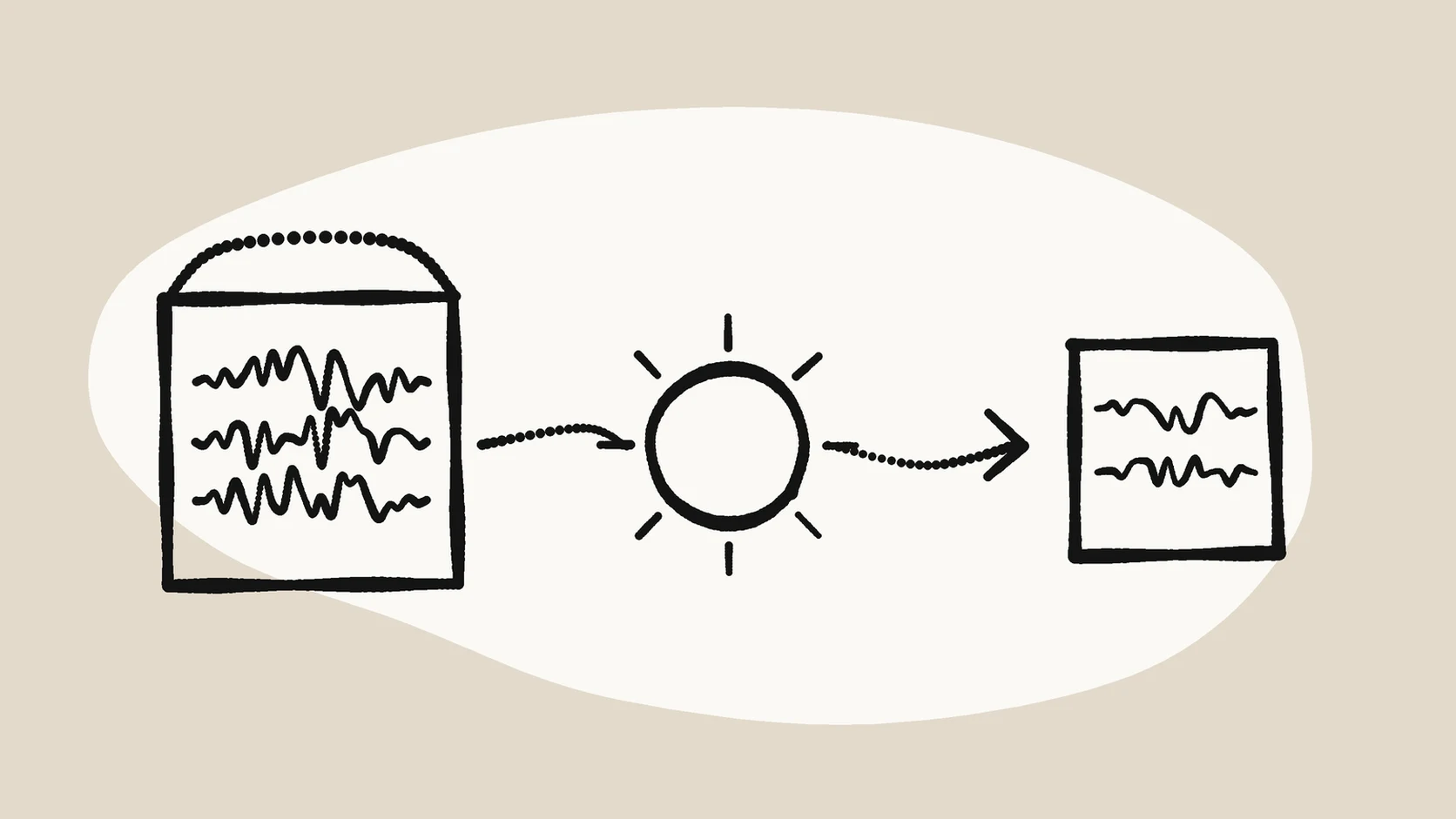
This order protects your source and keeps the comparison fair:
- Copy the original recording. Keep that copy unchanged, in its original format.
- Upload one file to SimpleClean. WAV or MP3 is fine, whichever you have.
- Play Original and Cleaned on the same passage. Include a pause and a sentence with clear consonants, like a sentence with many t and s sounds.
- Download the cleaned MP3 only if it sounds better and the voice still sounds natural.
- Store the original next to the cleaned MP3, with matching names. Then you can always go back.
Which format for which job
Use this table as a starting point. Change it to fit your own workflow.
| Job | Better fit | Why |
|---|---|---|
| Keeping a master of a recording | WAV (or another lossless format) | It stores the sampled sound wave without perceptual compression. |
| Uploading for cleanup | Whichever original you have | Cleanup works best from the most complete copy. Do not convert first. |
| Sharing a cleaned file with listeners | MP3 | It is small, works almost everywhere, and is what SimpleClean returns for audio. |
| Further editing or mastering | The original recording | A cleaned MP3 is a lossy copy. Editing it adds one more generation. |
Common mistakes
Most format problems come from a few habits. They are easy to change.
- Deleting the original after you download the cleaned MP3.
- Converting an MP3 to WAV and expecting better quality.
- Comparing the two files at different volumes. The louder one often sounds better, even when it is not.
- Uploading a very large high-resolution file and then hitting the size limit.
- Cleaning a file again when the real problem is echo, wind, or clipping. A steady-noise pass does not fix those.
When MP3 is enough and when it is not
For speech, MP3 at a sensible bit rate is a normal choice. Think of a podcast episode, a voice message, or the soundtrack of a video. The Library of Congress notes that an MP3 can be made at higher or lower bit rates, with higher or lower quality. So the bit rate you pick matters more than the file extension.
MP3 is not enough when the recording is the only copy of something you cannot redo. An interview or a live event is a good example. Keep the lossless original. Use the cleaned MP3 for listening and sharing.
Also remember that a format change will not fix a sudden sound, an echo, or distortion. If you are not sure what is wrong, the echo and reverb guide helps you decide what to try next.
Frequently asked questions
Should I upload WAV or MP3 to a noise-removal tool?
Upload whichever original you have. SimpleClean accepts both, and converting an MP3 to WAV first adds size without adding detail. A WAV is the more complete source when you recorded in that format.
Does converting MP3 to WAV improve quality?
No. A conversion cannot return the audio components that MP3 compression already discarded. The WAV will be larger, but it will carry the same information as the MP3 it came from.
What format does SimpleClean give me back?
Cleaned audio is delivered as an MP3 and cleaned video as an MP4. Keep your original recording if you want a lossless master or plan to edit the audio again.
Is there a file size limit for WAV uploads?
The default limit is one file per run, up to 500 MB and 15 minutes. A 15-minute stereo WAV at 44.1 kHz and 16 bits is about 159 million bytes, while the same length at 96 kHz and 24 bits is about 518 million bytes.
Will an MP3 sound worse than a WAV?
It can, because MP3 discards some components that are less audible. At a suitable bit rate the difference may be hard to hear on speech, so compare the two in your own listening setup before deciding.
Sources and Further Reading
These official or primary references support the platform, format, and audio-production claims in this guide. Product behavior and platform interfaces can change, so the linked documentation remains the authority.
- WAVE Audio File Format — Library of Congress. Supports the description of WAVE as a wrapper that commonly carries LPCM audio and the use of Broadcast WAVE variants for preservation.
- MP3 (MPEG Layer III Audio Encoding) — Library of Congress. Supports the perceptual-coding description, the 128 kbit/s size ratio, and the delivery-format use.
- Bit rate — Wikipedia. Supports the PCM size formula and the 1,411.2 kbit/s figure for CD-quality stereo.
- Generation loss — Wikipedia. Supports the definition of quality loss between subsequent copies or transcodes.
Compare before you commit
If the problem is steady hiss, hum, fan noise, or room tone, upload one supported file at SimpleClean, compare Original with Cleaned, and keep your original recording next to the cleaned MP3.
Clean an audio file at SimpleClean