How to Name Master and Clean Takes So You Never Overwrite the Good One
Oct 29, 2026·Updated Oct 29, 2026·SimpleClean Team
The short answer
Save the untouched recording as a master and never export over it. Use four roles: master, sample, try, and final. Number every cleanup attempt, keep failed tries until the episode ships, and copy a file to final only after a headphone check of consonants. Put each SimpleClean download in the tries folder after you compare Original and Cleaned.
If the recording has steady hiss, hum, fan noise, or room tone, Compare Original and Cleaned before you name a final and compare Original with Cleaned playback before downloading.
The failure this naming system prevents
You finish a cleanup. The room is quieter, and the voice sounds a little odd, so you save over the source. An hour later you hear a lisp on the word sixteen. Undo history is gone, and the only file left is the thin one. Fixed names and separate folders make that sequence hard to do by accident.
The same failure happens with video when someone replaces the camera audio inside the only copy they kept. Picture masters need the same protection as audio masters.
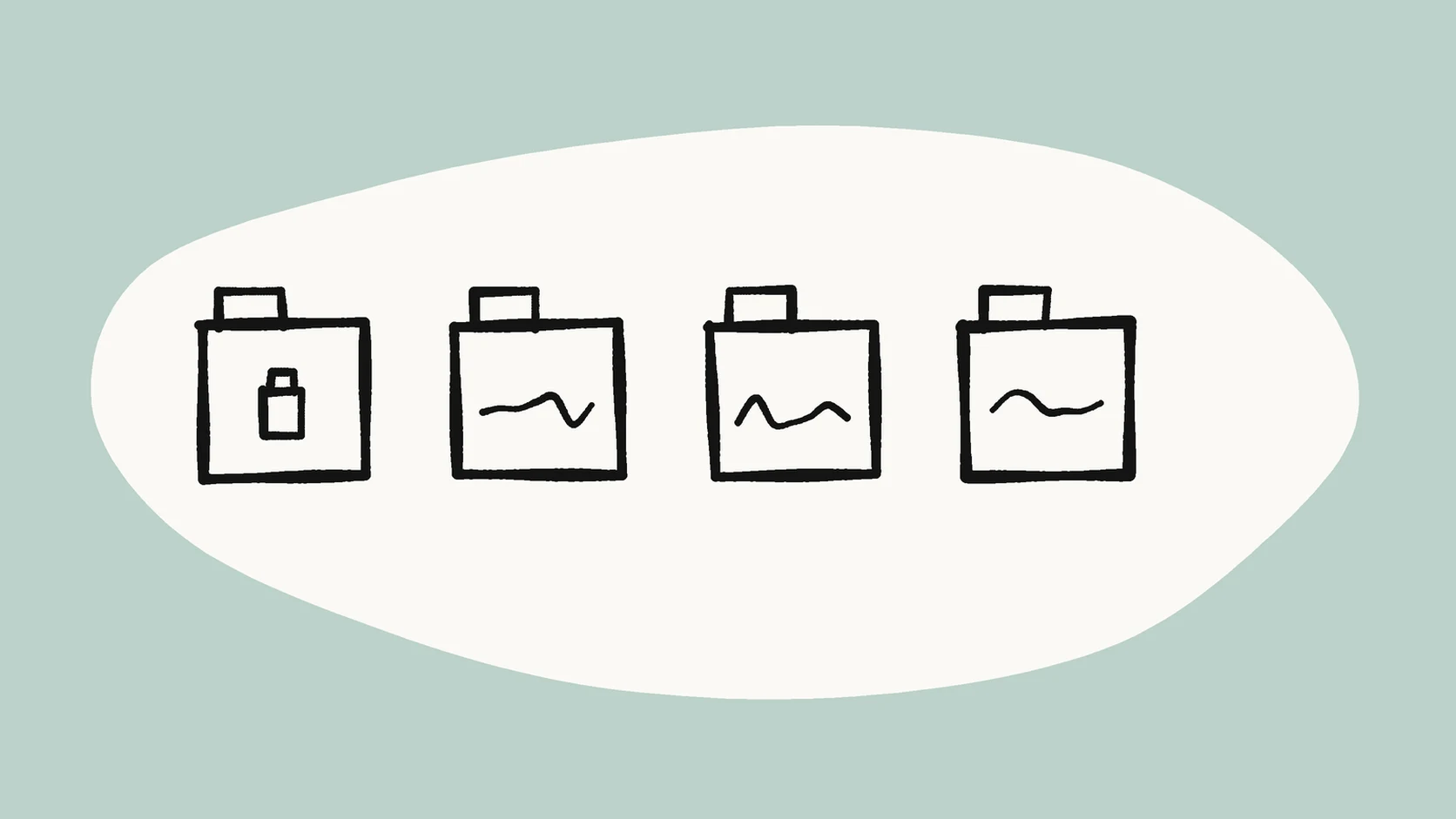
Four roles, and only those four
Every file gets one role. If the name does not say which role it is, the next person to open the folder has to guess, and guessing is how a weak export becomes the archive.
Master, sample, try, and final
Master means the untouched digitize or download. You save it once, as soon as the file arrives, and you do not export into that path again. Sample means a short test cut, often about thirty seconds, from a part that contains both speech and the noise you hope to lower. Try means a numbered cleanup attempt. Final means the only file you publish or send.
A try is allowed to fail. Try 1 and try 2 can sit next to each other until you have listened. A final is a copy you promote on purpose, after a check, from a try that already passed.
Names you can copy
Dates reduce collisions when you revise the same interview next week. Audacity's export dialog recommends letters, numbers, underscores, and dashes for names that stay compatible across systems. Hyphens fit that advice and keep the role readable.
A sidewalk interview from 27 October 2026 can use mayor-interview-20261027-master.wav, mayor-interview-20261027-sample-raw.wav, mayor-interview-20261027-clean-try1.mp3, and mayor-interview-20261027-final.mp3. Keep the master in the format you received. SimpleClean delivers cleaned audio as MP3 and cleaned video as MP4, so a try can be MP3 without pretending the master changed format. The guide to WAV and MP3 after cleanup covers which file you upload and which file you share.
Chunk ids when the recording is long
SimpleClean processes one file at a time, up to 500 MB and 15 minutes. A longer interview has to be split first. Add a chunk id so the pieces stay in order: mayor-interview-20261027-chunk02-clean-try1.mp3. Two digits keep chunk 10 from sorting ahead of chunk 2.
Cut a copy in pauses so a word is not sliced in half. The guide to splitting a long recording into 15-minute pieces walks through those cuts. The full recording's master keeps its master name. Chunks are working copies.
A folder for each role
Use four directories: 01-masters, 02-samples, 03-tries, and 04-finals. Never export from 01-masters. Copy a master into 03-tries and work on the copy. When a client asks for the raw, it is still in the folder you agreed not to write into.
Finals do not live beside masters.
One working day, from arrival to final
Use the same sequence for a short voice memo and for an interview you will cut into chunks.
- Save the interview immediately as the master in 01-masters.
- Cut a 30-second sample into 02-samples, from a stretch with clear speech and the noise you care about.
- Run one light cleanup and save it in 03-tries as try1.
- Listen for consonants. If try1 fails, make try2 from the sample. Do not touch the master.
- When a try passes on the sample, process the other chunks the same way and keep each chunk's try number.
- After a full listen, copy the winner into 04-finals with the final name.
Where each tool is allowed to write
A desktop export and a browser download follow the same rule. The file is a try the moment it hits disk.
Desktop editors, including Audacity
Audacity can reduce constant background sounds such as hum, hiss, fan noise, and tape hiss. Its manual says the effect is not suitable for clicks, pops, or irregular noise such as traffic or an audience, and that a higher reduction than you need can damage the audio that remains. Set the export folder to 03-tries. The export dialog asks for a file name and a folder. Type the try name there. If you took a noise profile, note its start time. Audacity does not keep that profile after you close the program.
SimpleClean downloads
Download a SimpleClean result into 03-tries only. Compare Original and Cleaned on headphones before you download, on the same consonant-heavy sentence. A quieter pause is not enough. If the cleaned file is harder to understand, leave it as a numbered try or discard the download. The guide on when cleanup makes speech sound worse lists the signs, including a watery or metallic voice.
Stay inside one file, 500 MB, and 15 minutes. A thirty-second sample is the first try. Signed-in accounts receive 30 starter minutes once, and whole minutes of the source length are deducted when you unlock a cleaned download. You can compare and still decline the download. Uploaded source files and cleaned outputs are normally deleted within 7 days. The privacy page states the current rule. The master on your disk is the copy that outlives that window. Do not rename a browser download to master.
Checklist before the name final
Promotion is a copy, not a rename that destroys the try. Leave the winning try in 03-tries and copy it to 04-finals. If any line below fails, keep the try number and stop. Do not rename a weak try to final so the folder looks finished.
- A consonant-heavy sentence still sounds clear.
- The voice is not watery or metallic.
- The master is still present in 01-masters.
- Duration and format match what the publisher asked for.
- The sample decision matches the full file, or the difference is written down.
A one-line handoff for the next editor
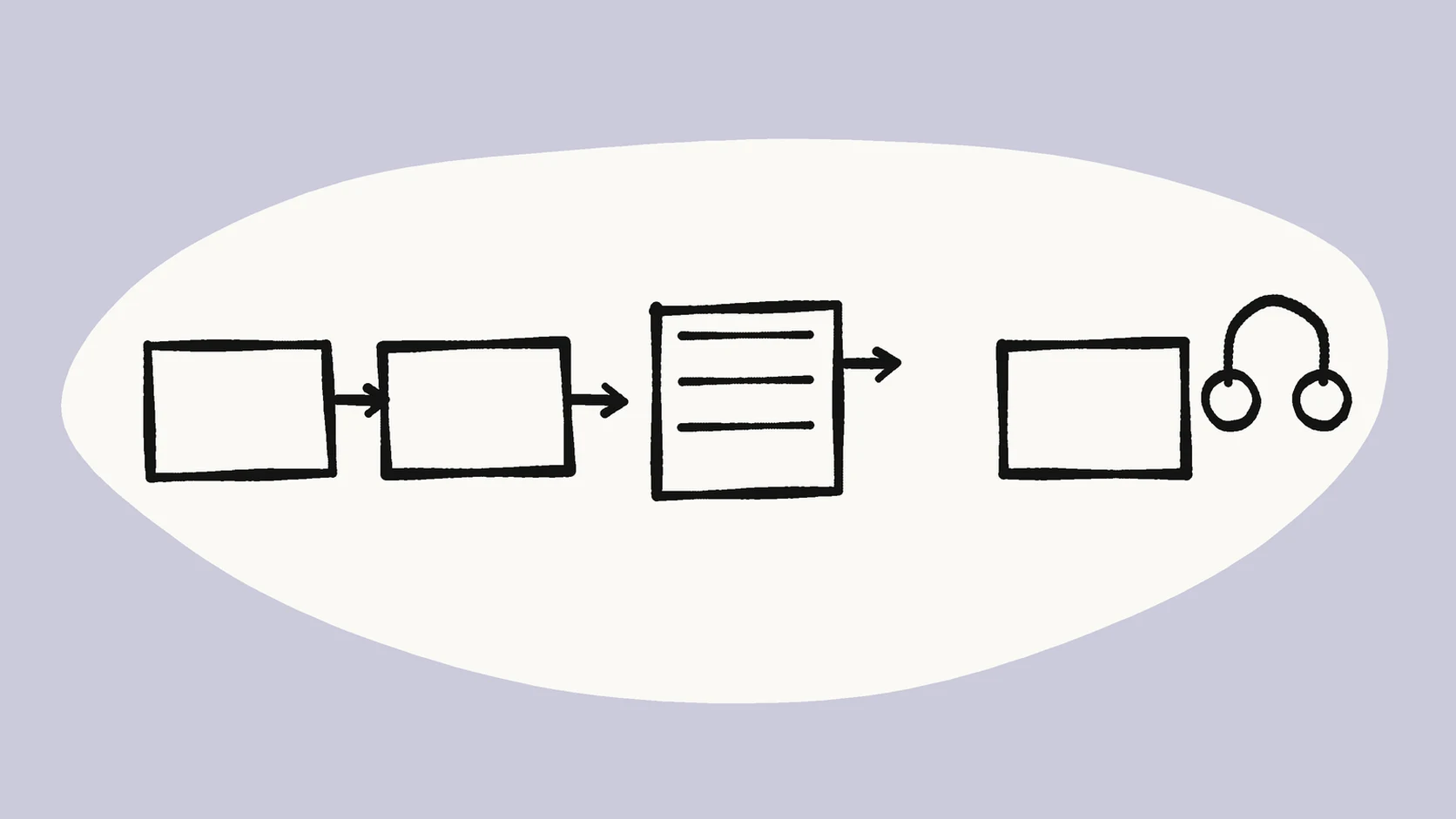
Put this README in the project folder: Masters are read-only. Finals need two ears and a consonant check. Under it, write the shared sentence you use for the consonant check, one that is full of s and t sounds. A guest then knows which folder they may write to.
Names and habits that hide history
Ban the names that erase the trail. Increment tries instead. Only one final name exists, and you replace that file only after a new checklist pass.
- Do not use final_final2.wav, final.wav, final_final.wav, use-this-one.mp3, or fixed.mp3.
- Do not store finals inside the masters folder.
- Do not delete try1 the moment try2 appears. Keep both until the episode ships, then archive or delete the rejects as a batch.
- Do not rely on editor autosave as the archive. Autosave disappears with the editor project.
Two editors, one master
Alex saves council-qna-master.wav in 01-masters and leaves for lunch. Sam opens a copy, runs a cleanup, and almost uses Save As with the master path still in the dialog. Sam can write only in 03-tries, so the result becomes council-qna-clean-try1 and then council-qna-clean-try2. Alex returns, listens, and copies try2 into 04-finals. The master never moved. If Sam's laptop later fails, the master on shared storage still exists.
Browser downloads are tries, not masters
Treat a cloud download as try N in the same minute it hits the disk. Move it into 03-tries before you do anything else. Finish Original versus Cleaned playback before the download when the site offers it, then move the file in the same motion.
Until the download has a try number inside 03-tries, it is easy to drag onto the master or to upload again as if it were the source.
A card you can keep at the desk
Print a short card and leave it where the export dialog is easy to rush. A card lasts longer than a wiki page nobody opens on a deadline: master exists and is read-only, the sample is named, tries are numbered, the final waits for the consonant check, and rejected tries stay until the ship date.
Migrating a folder that already says final
If the project already contains final.wav, final2.wav, and really-final.wav, pause publishing. Create the four folders. Listen once, then move the oldest file you still trust into 01-masters. Demote everything else to numbered tries. Only then cut a fresh sample. Renaming without listening only alphabetizes the confusion.
What to back up when space is tight
Keep at least one off-laptop copy of 01-masters. Tries can live on the edit machine until the ship date. Finals go to the publishing drive and to the backup. If space is tight, masters win over tries. You can recreate a try from a master. You cannot recreate a master from a try that already thinned the consonants.
When audio and video meet in another app
Keep the master video and the master audio both in 01-masters. The cleaned audio try still goes to 03-tries. Muxing, the step that joins picture and the chosen audio, happens only when you build a deliverable in 04-finals. A bad mux can be rebuilt. It does not replace the camera original.
Sync still matters, so do not replace audio inside the master video. Keep master.mp4 and clean-try1.mp4 as separate files with the same roles you use for audio.
Field interviews, where the noise is annoying
Roadside files tempt an aggressive save over the master because the noise is distracting. A steady low rumble can be close to hum or room tone, which is the bed SimpleClean is built to reduce. A passing truck, a wind gust, or two people talking at once is a different problem. Audacity's noise-reduction page says irregular traffic is a poor fit for that effect. SimpleClean does not claim to repair every burst, echo, or clipped peak.
Missing consonants hurt a pull quote more than leftover noise does. The master stays one folder away, so you are not stuck with a damaged clean take. Use the audio noise reference when the team needs one vocabulary for steady hum versus a wind burst or a traffic spike.
What to ask for if you never open the editor
Producers who do not edit still own the names. Before you accept a deliverable, ask for the path to the master, the path to the final, and one sentence on whether any chunk stayed on the master because cleanup failed. If the editor cannot answer, you will not be able to roll back next week, even if the episode sounds fine today.
Frequently asked questions
Can I use dates in file names?
Yes. A date such as 20261027 reduces collisions when you revise the same interview the following week, and it keeps later versions in order in a file browser.
Does this naming system work for video?
Yes. Keep master.mp4 and clean-try1.mp4 apart. Do not replace the audio inside the master video. Join picture and the chosen audio only when you build the deliverable in 04-finals.
Is a name like final_final2 allowed?
No. Increment the try number. Only one final name exists, and you replace that file only after another pass through the consonant checklist.
Where do rejected tries go?
Leave them in 03-tries until the episode ships, then archive or delete them as a batch. Deleting try1 the moment try2 appears throws away the example of what too far sounded like.
Should a browser download be renamed to master?
No. A download is a try. Move it into 03-tries after you compare Original and Cleaned. The master is the file you saved before any cleanup.
Sources and Further Reading
These official or primary references support the platform, format, and audio-production claims in this guide. Product behavior and platform interfaces can change, so the linked documentation remains the authority.
- Noise Reduction — Audacity Manual. Says noise reduction can lower constant hum, hiss, and fan noise, is a poor fit for irregular traffic, and can damage the remaining audio if the reduction is set higher than needed.
- Export Audio — Audacity Manual. Documents that export asks you to choose a file name and a folder, and recommends letters, numbers, underscores, and dashes for compatible file names.
- Noise reduction — Wikipedia. Defines noise reduction as removing noise from a signal and notes that noise-reduction algorithms may distort that signal to some degree.
Compare before you commit
Keep the master in its own folder, upload one sample or chunk at a time to SimpleClean, and compare Original with Cleaned on headphones before you copy anything into finals.
Compare Original and Cleaned before you name a final