How to Keep a Cleanup Log So You Can Repeat Settings That Worked
Oct 29, 2026·Updated Oct 29, 2026·SimpleClean Team
The short answer
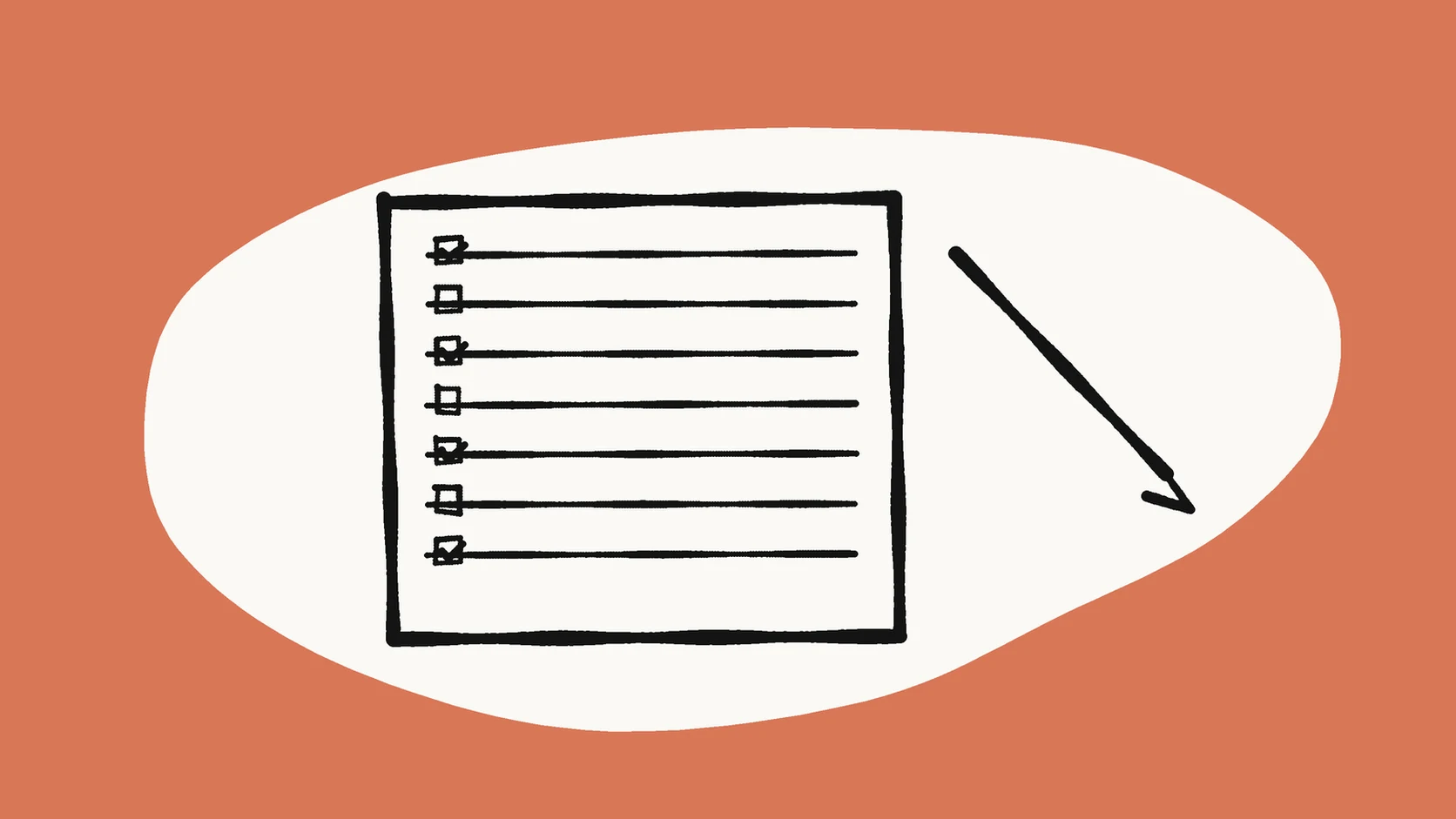
Write one log line for every cleanup attempt: date, episode, noise type, tool, setting notes, consonant check, and keep-or-reject. Pair it with master, sample, try, and final names so you never overwrite the take you trust. A thirty-second sample is the first line. Repeat a pass only when that line says the consonants passed.
If the recording has steady hiss, hum, fan noise, or room tone, Compare Original and Cleaned, then log the result and compare Original with Cleaned playback before downloading.
Why the settings disappear after two episodes
You will forget whether the pass was light or heavy. You will forget which thirty seconds you trusted. You will also forget why you rejected a take that was quieter. A short log turns those hunches into a line a teammate can read.
This matters more when more than one person edits. Without a log, each editor invents a new house sound, and the show drifts from episode to episode.
What belongs on each line
Use one line per attempt. Paragraphs become unread. The seven fields below are enough to repeat a pass or to refuse one.
- Date.
- Project or episode id.
- Noise type in plain words, such as fan, air conditioning, road hum, or tape hiss.
- Tool name.
- Setting notes in your own words.
- Consonant check: pass or fail.
- Decision: keep cleaned, keep master, or retry.
A line you can copy
An example from a park interview: 2026-10-27 | interview-park | road hum | SimpleClean | default light | consonants pass | keep cleaned chunk 2.
If you used a desktop effect, add the noise-profile start and end, such as profile 00:12-00:15. Future you cannot recover a profile that lived only in an open editor.
Names that keep the log honest
The log points at files. Those files need roles, or the log describes a take you can no longer find. The guide to naming master and clean takes is the matching rule.
- A name ending in master means never overwrite that file.
- sample-raw is the 30-second test source.
- clean-tryN increments N for each attempt.
- final is assigned only after a full listen.
- Store masters in a folder you do not export from. Export finals from a separate folder.
- When a try fails, leave the number in place. Do not delete failed tries on day one. They are the record of what too far sounded like.
The log starts with a 30-second sample
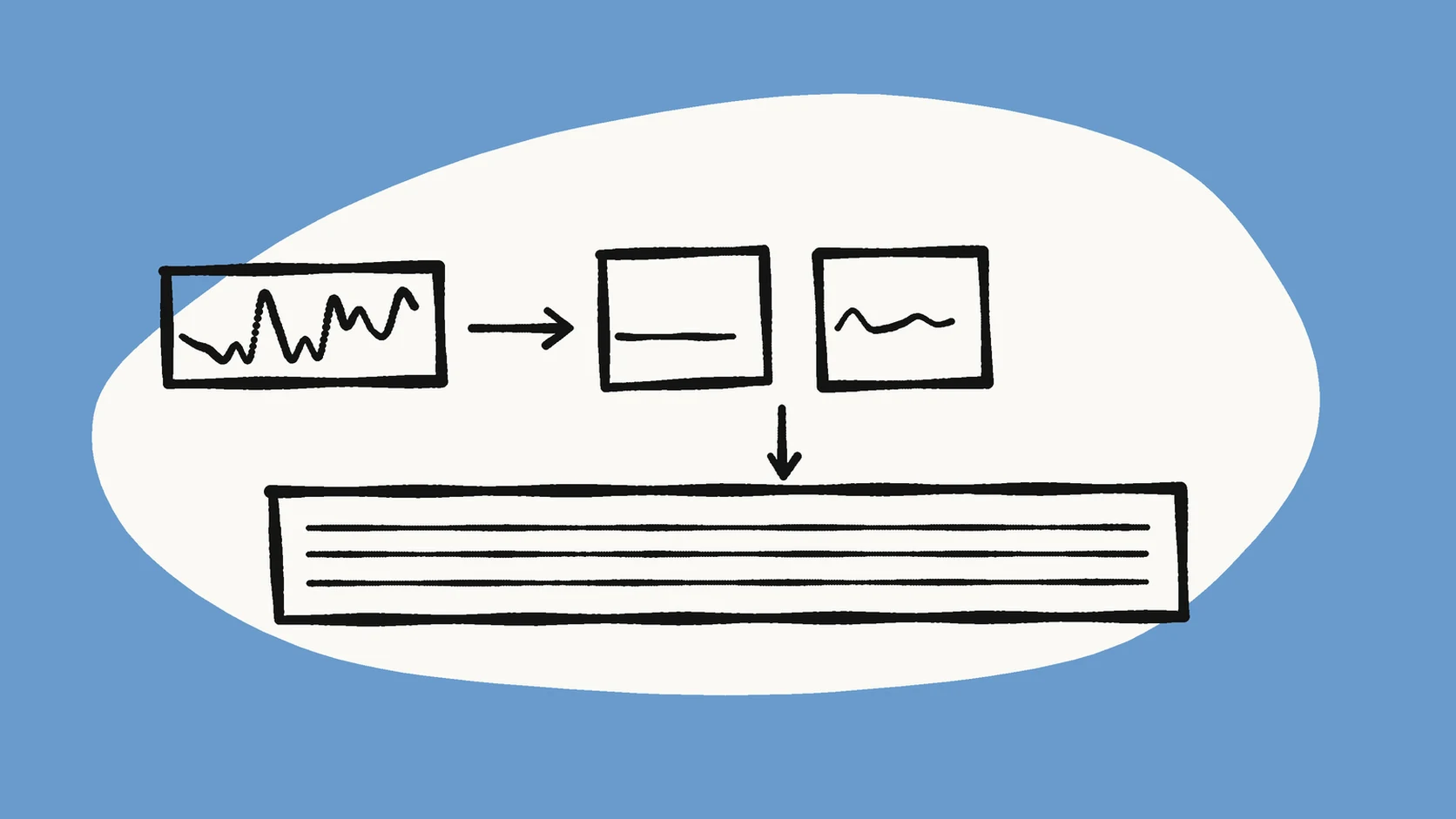
Cut the sample first. The log records what happened to it. When the sample fails, log the failure. Do not fix it by jumping to the full file. When the sample passes, copy the same approach to each chunk and log each chunk.
Pick the sample from a minute that has both answers and the noise you hope to lower. A quiet bed under clear speech tells you more than a stretch that is only noise or only a clean close-up.
One sample day, written as it happens
A short afternoon looks like this in the log, not like a story you reconstruct on Friday.
- Cut a sample from minute 8.
- Clean the sample. Log a fail if the voice turns watery.
- Clean the sample again with a lighter pass. Log a pass if the consonants hold.
- Apply that lighter pass to chunks 1 through 3. Log each chunk on its own line.
What the consonant check refers to
Pick one sentence from the sample that is rich in s and t sounds. Write that sentence in the notes once. Every pass or fail after that refers to the same sentence, so the team is not arguing about whether it sounds fine.
A usable sentence is Next Saturday's costs still sting. Two alternates, if you want one per show and then keep it for a season: The city street tests tired feet. Please text Tess the totals tonight. Ears calibrate when the sentence does not change every episode.
What to write when the tool is SimpleClean
If the tool column says SimpleClean, also note that you compared Original and Cleaned in the browser before download. That listen is part of the method. Record the file duration so you stay inside the 15-minute limit. SimpleClean processes one file at a time, up to 500 MB and 15 minutes, and it delivers cleaned audio as MP3 and cleaned video as MP4.
Signed-in accounts receive 30 starter minutes once. Whole minutes of the source length are deducted when you unlock a cleaned download. Write the approximate duration in the notes when a pass spends those minutes. A habit that skips samples to save minutes usually spends more on full-file retries.
When someone confuses a steady hum with a wind blast, point them at the audio noise reference. For how long uploads stay on the service, point at the privacy page. Uploaded source files and cleaned outputs are normally deleted within 7 days. The log on your disk is what remains after that.
Audacity lines need a profile time
Audacity's noise reduction can lower constant sounds such as hum, hiss, fan noise, and tape hiss. Tape hiss is the high-frequency noise floor of analogue magnetic tape. Write that name in the noise column when that is what you hear, instead of a vague noisy.
The effect needs a region that contains only the noise you want to reduce. The noise profile is not kept after you close Audacity. Write the start and end of the profile region, and write whether the consonant sentence passed. The manual also says a higher reduction than you need can damage the audio that remains, which is what a fail line is for. Irregular noise such as traffic or an audience is a poor fit for that effect. Log keep master for those stretches instead of pretending a second slider will invent a clean word.
A ten-minute look once a week
Skim the log once a week. Patterns matter more than any single win. If road interviews fail often, move the seat before you buy another plugin.
- Which noise types keep failing?
- Are the failures mostly consonant damage, or leftover noise?
- Do you need a better mic habit instead of another cleanup pass?
- Are final files still sitting next to masters?
Hand the last five lines to a guest
Paste the last five lines into the edit brief. Add one rule in the same note: masters are read-only. The guest inherits the history and the safety rail. They should not have to rediscover that try2 was the light pass and try1 was the watery one.
A template that survives a tool change
Keep a plain text file next to the project folder, or print the header. Spreadsheets work too. Plain text still opens after the spreadsheet app changes.
The header is: date | id | noise | tool | notes | consonants | decision. One attempt, one line, under that header.
Log smells worth fixing
Three patterns mean the log is no longer teaching you anything.
- An empty notes column on every row. You are not learning.
- Only keep cleaned, and never a reject. You may be afraid to throw a bad take away.
- The tool name changes in the middle of an episode with no reason written down. Pick one path per chunk.
A 28-minute sidewalk interview
The master sits in 01-masters. You cut seconds 08:00 to 08:30 as the sample because that stretch has both answers and road hum. Try1 in SimpleClean makes the word costs soft. You log fail. Try2, noted as a lighter pass, passes the sentence Next Saturday's costs still sting.
The interview is longer than 15 minutes, so you split a copy into two chunks. The guide to splitting a long recording into 15-minute pieces covers pause-aware cuts. Chunk 1 passes and you log keep cleaned. Chunk 2 has a truck blast. You keep the master for that 20-second span and edit around it. The final assemble uses cleaned audio where the log says pass and master audio where it says keep master.
A producer can audit those forks from the log without guessing.
What the publishing team should see
When you upload to a host, paste the final log line into the episode notes for the team, not for the public. Public show notes can stay clean. Internal notes should say which chunks stayed on the master. That stops a later request to make it quieter from destroying speech you already protected.
Three counts, once a month
You do not need a dashboard. Count three things from the text file.
- How many samples passed on try1.
- How many episodes kept any master audio in the final.
- How often failures were consonant damage versus leftover noise.
How to read those counts
If try1 rarely passes, the default pass is too aggressive. If master audio appears in every final, the recording setup needs work more than the log does. The log only makes that visible. It does not replace a closer mic or a quieter room.
Teaching the log in one afternoon
Sit with a junior editor for three sample tests from old episodes. Let them fill the log while you only listen. Then switch roles. By the fourth sample they should reject a watery take without looking at you. That is when the log is a habit instead of paperwork.
If a cleaned file sounds worse, the decision line says keep master. The checklist in when cleanup makes speech sound worse is the listening test those lines refer to.
Two tools means two lines
If a file went through SimpleClean and then through an editor effect, log two lines. Never hide a second pass inside one row. The second line is how you know which step softened the consonants.
Screenshots of settings are optional. A clear note plus the file names usually beats a pile of images nobody opens.
Frequently asked questions
How long should each cleanup log entry be?
One line per attempt is enough. A paragraph nobody rereads will not help you repeat the pass next week.
Should I store screenshots of the settings?
Optional. A clear note plus the file names usually beats a pile of images. Write the noise-profile times if the editor does not keep them.
What if two tools are used on one file?
Log two lines. Do not hide a second pass inside one row. The second line is how you know which step softened the consonants.
Does the log replace listening?
No. The log makes listening comparable across days. The consonant sentence is still the test. Pass or fail refers to that sentence.
What should I log when the sample fails?
Log the failure and keep the master for that attempt. Do not jump to the full file to fix a sample that already failed the consonant check.
Sources and Further Reading
These official or primary references support the platform, format, and audio-production claims in this guide. Product behavior and platform interfaces can change, so the linked documentation remains the authority.
- Noise Reduction — Audacity Manual. Says a noise profile is lost when Audacity closes, that reduction can damage the remaining audio, and that irregular traffic is a poor fit for the effect.
- Tape hiss — Wikipedia. Defines tape hiss as the high-frequency noise floor of analogue magnetic tape, which is one noise type the log should name in plain words.
- Noise reduction — Wikipedia. Defines noise reduction as removing noise from a signal and notes that the algorithms may distort that signal, which is why each line records a consonant pass or fail.
Compare before you commit
Cut a 30-second sample, clean one file at SimpleClean, compare Original with Cleaned on headphones, and write one log line before you touch the rest of the recording.
Compare Original and Cleaned, then log the result